Screen, camera and mic
Record a tab, a window or your whole screen, with your webcam in a bubble and your voice from your microphone.
Record your screen, webcam and microphone right in your browser. There is nothing to install and nothing to sign up for, and your video is saved straight to your computer.
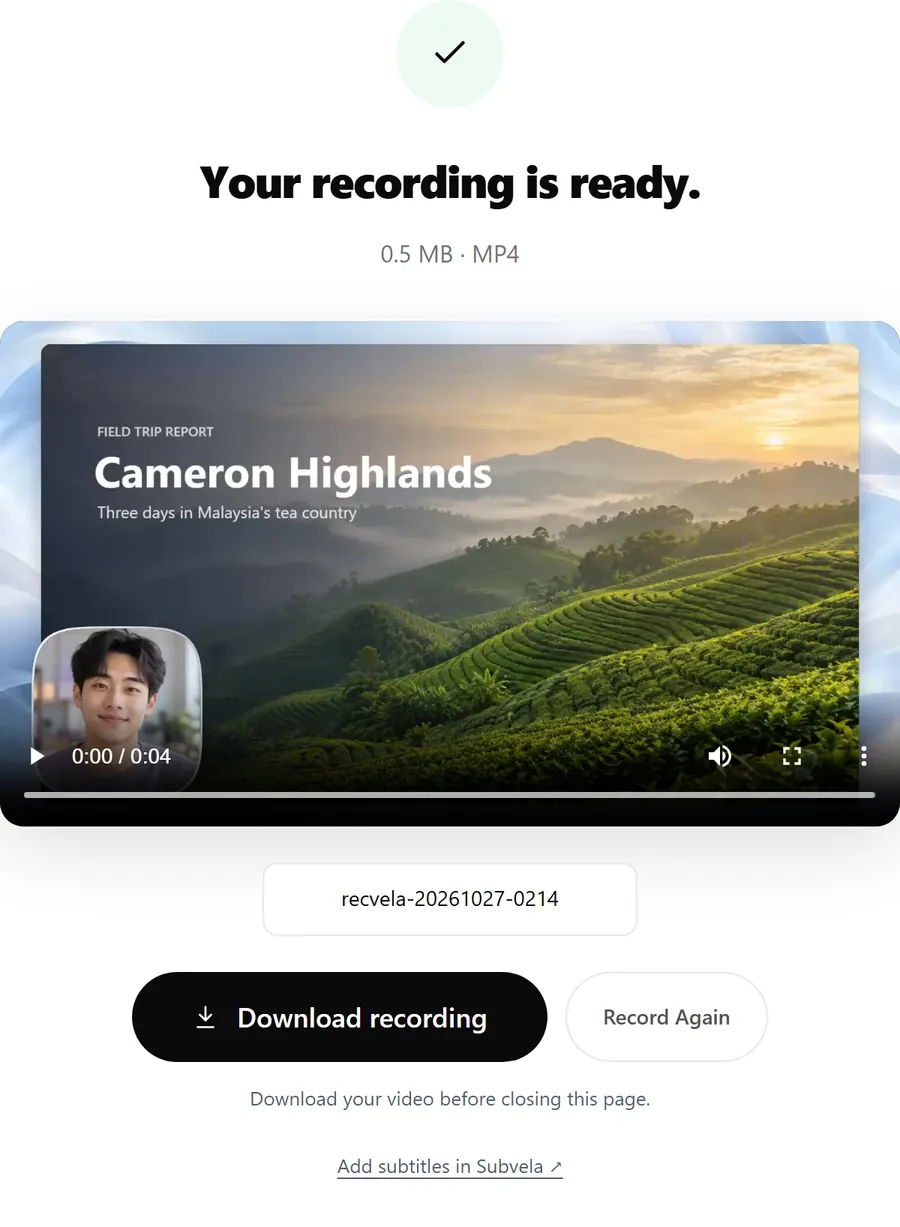
Record a tab, a window or your whole screen, with your webcam in a bubble and your voice from your microphone.
Your video is yours. Nothing is added to it, and there is no paid plan you need for a clean export.
A built-in teleprompter, screen frames with backdrops, camera styles and background blur, all included.
Recvela records in your browser. Your screen, camera and voice are processed on your own computer, and the video is saved straight to your downloads folder. It is never uploaded to us or anyone else.
There is no account, so there is no profile, no email and no password to manage. Your script is kept in your browser so it is there next time, and you can clear it at any time.
Yes. Recording and downloading are free, with no account and no watermark.
No. Recvela runs in desktop Chrome or Edge. There is no app or browser extension to install.
MP4 in recent versions of Chrome and Edge. Where MP4 recording is not available, the browser saves WebM instead.
Only on your computer. The video is recorded in your browser and saved to your downloads when you download it. It is never uploaded.
Your recording and script never leave your device.
Start recording free