Next to your camera
The script opens at the top of the screen, just below a laptop webcam. Your eyes stay near the lens, so you look at your viewers instead of down at your notes.
Read your script while you record your screen and camera. The teleprompter sits right under your webcam, so you keep eye contact, and it never shows up in the video.
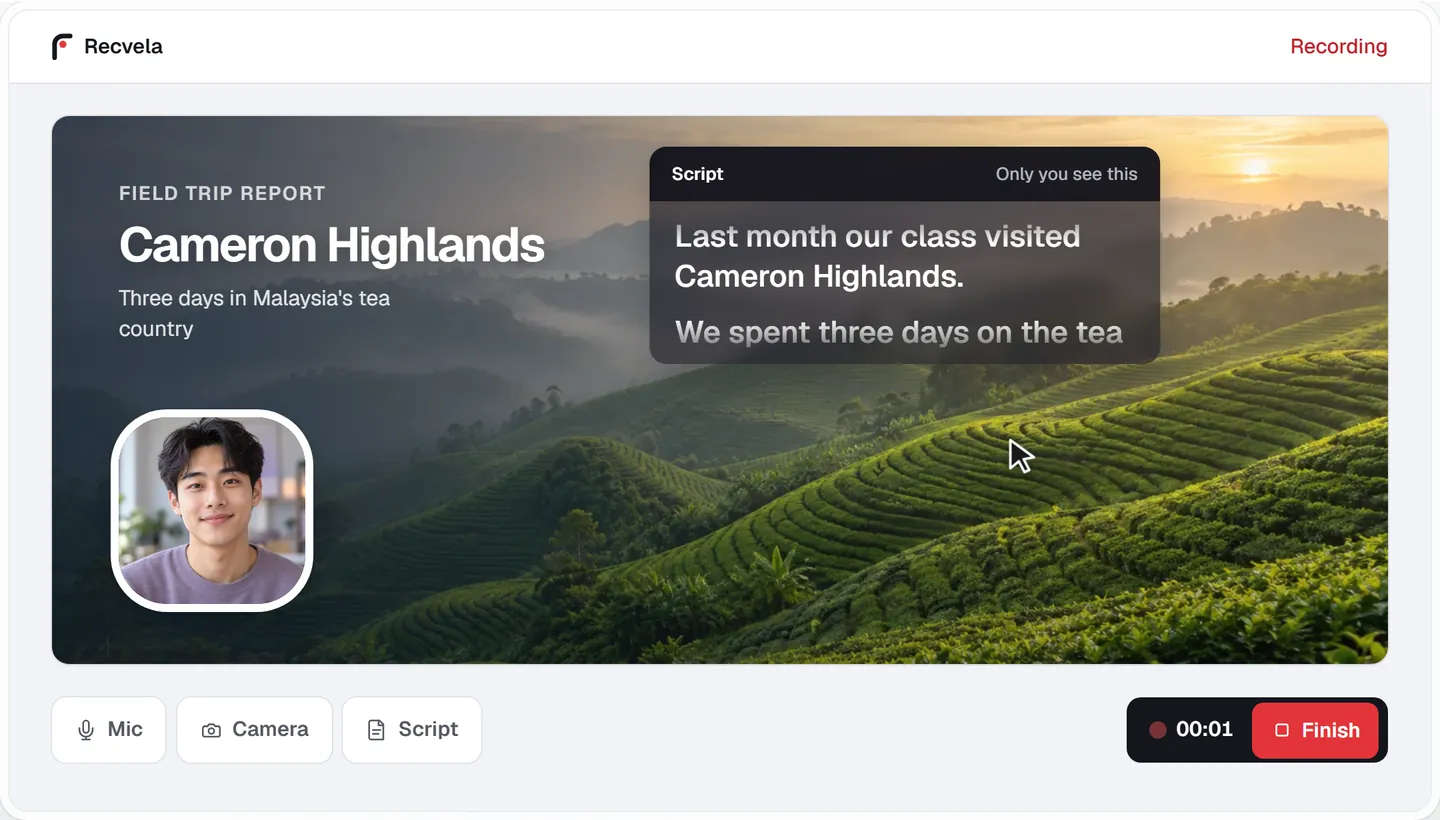
The script opens at the top of the screen, just below a laptop webcam. Your eyes stay near the lens, so you look at your viewers instead of down at your notes.
Pick a reading speed from 60 to 300 words per minute. Recvela shows the time left, and you can pause, scroll back or change the text size at any time.
The script is never part of the recording. Present in another tab or app and it floats on top as a small window, still out of the video.
Most retakes happen because the words go missing, not the content. A script in front of you means fewer "um"s, no lost train of thought and recordings that finish on time.
Reading from notes on another screen pulls your eyes away from the camera, and viewers notice. A teleprompter beside the webcam keeps your gaze where it should be while you still say exactly what you planned.
It helps most for class presentations, product demos, tutorials, lessons and video updates: anything where you want to sound prepared without memorising every line.
No. The script is drawn on top of the studio for you only and is never part of the video. To keep a floating script window out of the shot as well, share a browser tab or an app window rather than your entire screen.
Yes. Share the slides window or tab, then choose Present in another tab or app. Your script and camera float on top while you click through your slides.
You choose a reading speed from 60 to 300 words per minute, and Recvela shows how much time is left. You can pause the script, scroll back, or change the speed at any time.
Yes. Recording and downloading are free, with no download and no account. It works in desktop Chrome and Edge.
Your recording and script never leave your device.
Start recording free